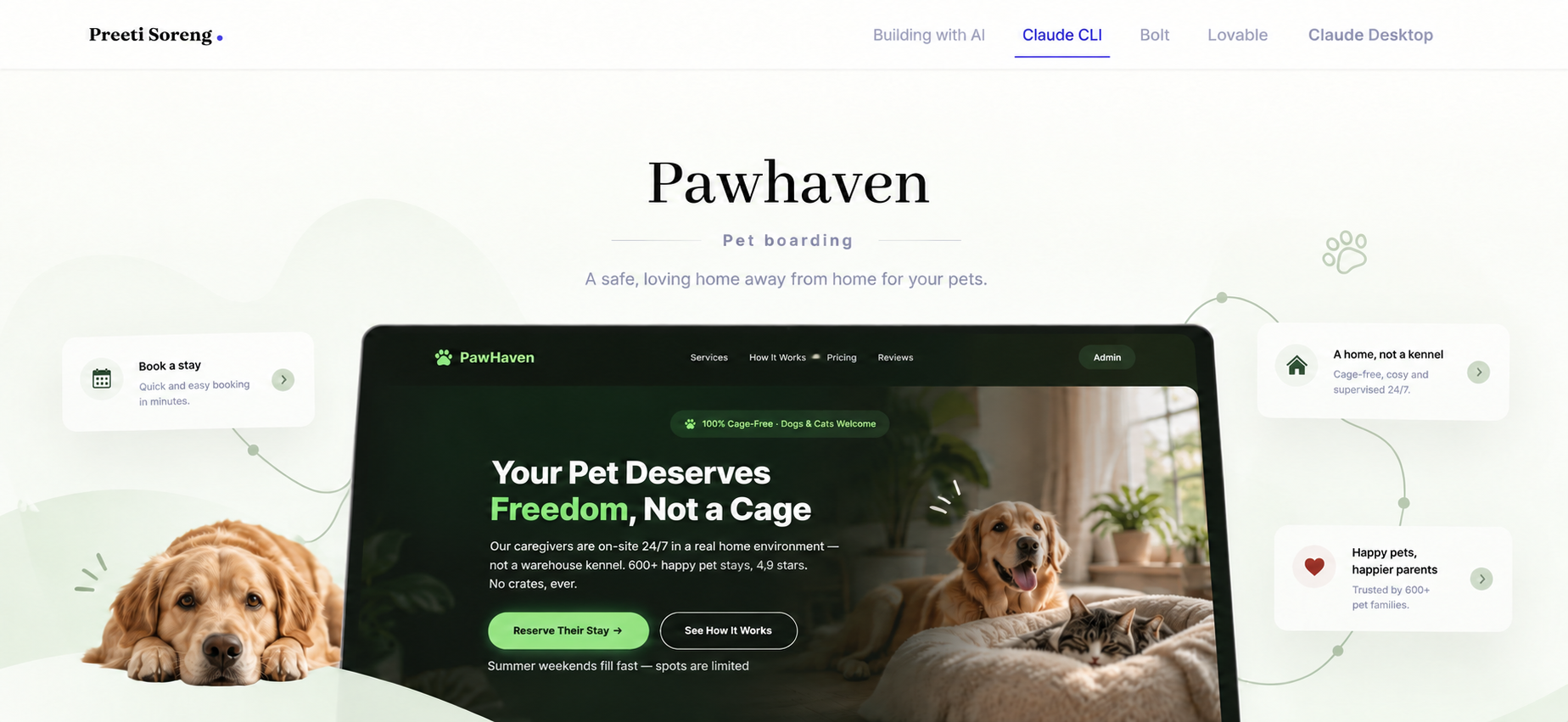
Pawhaven
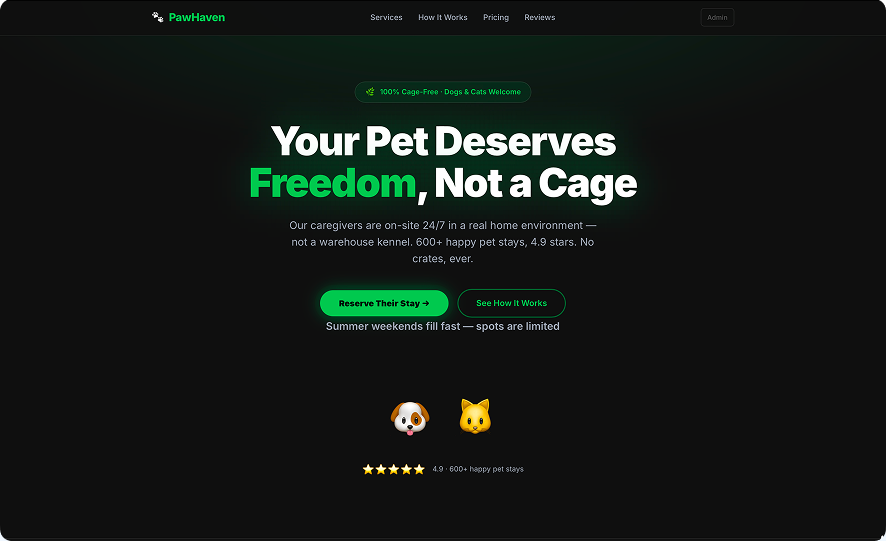
Overview
This version includes the following tech stack :
Framework for Claude CLI in Powershell
This framework helped transform Claude CLI from a conversational AI into a customizable AI operating system for development. Instead of repeatedly instructing the AI what to do, you encode processes, standards, and tools once, then reuse them consistently.
Hook
1. Prompt:
“ Build me a HOOK for this project as a website agency workspace where each folder represents a different landing page project. Configure automated checks to validate every HTML, CSS, JavaScript, React, and Tailwind file whenever it is created or modified. The hooks should automatically check formatting, code quality, and adherence to modern best practices, fixing issues where possible and flagging errors before changes are committed. Since I am non-technical, clearly explain what each hook does, why it is needed, and provide a simple overview of how the entire setup works and benefits my workflow.”
2. Run /hooks command
Run this command to check if all the required hooks have been configured
Skills
1. Prompt:
“ Build a skill called website creator adhering to the heuristics of the refference sources added”
Command
1. Prompt:
“ Create a custom command called new-website. When executed, it should prompt me for a website brief and optionally accept brand assets (color palette, typography, logos, or reference websites). Using the Website Creator skill, generate a complete website in a new project folder within this workspace. Each execution should create a separate, self-contained folder with its own files and assets. If any information required to build a high-quality website is missing, ask clarifying questions before generation.”
Sub-agents
1. Prompt:
“ Build two subagents that run in parallel. The first, A11y Checker, should audit my website for accessibility using the latest WCAG standards and modern best practices, identifying issues and recommending or applying fixes where possible. The second, Website Auditor, should evaluate my website against a checklist derived from a reference link that I provide, ensuring compliance with the defined quality, UX, design, and development standards. Both agents should generate clear, actionable reports independently. Ask me any clarifying questions before setting up the agents if any requirements are unclear.”
Run command
/new-website ( Write website brief and add the brand design guide)
Wait for Claude to generate the file
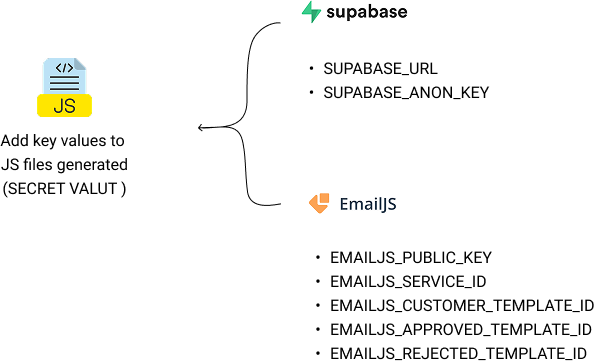
Integrate services
Hosting
Hosting on Netlify was done manually by drag and drop of the folder in Netlify account
 Link to app